You check that your alarm is set. Then you check a message. A few minutes later, you are reading a discussion you would never have chosen as the last conversation of your day.
Putting your phone in another room sounds simple until someone you love might need to reach you. Perhaps you care for a parent, have a teenager out for the evening, or use your phone for an on-call role. You want less scrolling, not less availability when it matters.
The useful question is not “How do I stop using my phone completely?” It is “How can I keep the part I need without automatically opening everything else?”
Separate being reachable from being available to the feed
A phone can serve several purposes at once: an alarm, a way to hear from family, a reading device, and an endless source of new things to look at. When those functions share one screen, an important reason to keep the phone nearby can become permission to keep checking it.
Write a simple distinction for tonight: “I need to hear a call from my daughter. I do not need to follow every update.” Your own version might involve a partner, a care arrangement, or a specific work responsibility.
You do not need to justify the necessary part. You are making room to choose the rest.
Decide what actually needs to reach you
Before changing any settings, identify the people and alerts you genuinely need overnight. Keep the list practical. A real care responsibility deserves a different arrangement from a shopping notification.
If you use a focus or do-not-disturb setting, check its current options on your own phone. Some devices let you allow selected contacts, calls, or repeated calls. Names and behavior vary, so test the arrangement with someone you trust before relying on it. Check your alarm separately, too.
Do not silence medical alerts, safety notifications, or required work channels without understanding the consequences. If you are on call, follow the arrangements your role requires. The aim is a narrower doorway for ordinary distractions, not a risk to anyone depending on you.
Give the phone a place that is nearby but inconvenient
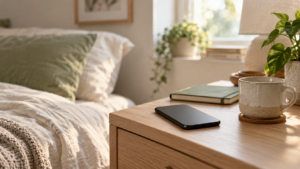
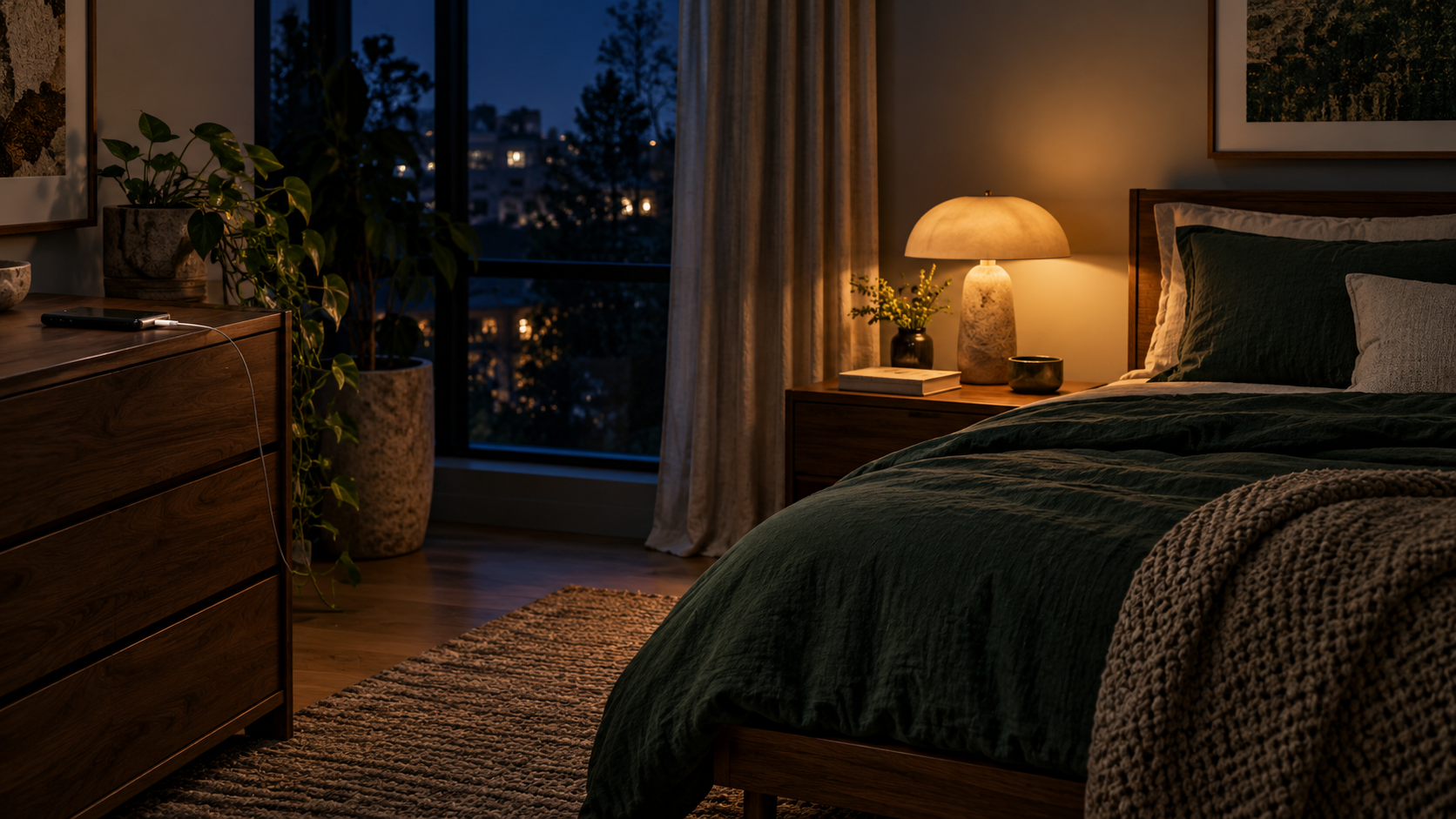
Outside the bedroom is one option, not a rule. A shelf across the room, a dresser, or a charging spot beyond arm’s reach may fit your situation better.
The distance only needs to interrupt the easy sequence of reaching, unlocking, and scrolling. If you have to sit up or stand to retrieve the phone, you have a small chance to ask what you need it for.
Keep accessibility and mobility needs in mind. Your useful distance may be a different position on the bedside table, with the screen facing away. A boundary that makes necessary access difficult is not a good fit.
For the broader habit behind the automatic reach, read how to stop checking your phone without a digital detox. Here, we are narrowing the change to the end of the day.
Finish one necessary task without opening a second one
Choose your last practical phone task: set the alarm, send the agreed check-in, or confirm tomorrow’s departure time. Name it before you unlock the screen.
“I am checking whether the train is running. Then I am putting the phone back.”
If a message needs a response tonight, respond. If it can wait, you can leave it for tomorrow without first reading everything around it. You do not have to clear every badge to be finished for the evening.
This is especially useful when one completed task usually leads to another: weather, email, news, social media, weather again. The task can end even though the phone still has things to offer.
Choose an alternative that works when you are tired
Do not replace an effortless habit with an ambitious evening routine. At the end of a long day, “read thirty pages and journal” may simply be another demand.
Choose something small enough to be available without preparation: one familiar book within reach, a quiet audio track already selected, or a few minutes with no new input. If you use your phone for audio, start what you chose and place the screen out of easy view.
If adding audio only adds another layer of input, read when background noise makes it hard to unwind for a simpler way to adjust your evening environment.
The alternative does not need to make you a better person. It only needs to make the next minute possible without opening a feed.
If unfinished tasks make it hard to stop, this guide to resting when your to-do list is still full offers a different kind of permission: the day does not have to be complete before you step away.
When you pick it up again, return without a verdict
You may still find yourself scrolling. Notice what happened immediately before you reached: were you waiting for a reply, looking for company, avoiding tomorrow, or simply following a familiar movement?
You do not need a detailed record. Use the answer to adjust one thing. If you were waiting for a family check-in, agree on a clearer arrangement where possible. If the screen was within reach, move it slightly farther away. If your alternative felt like work, choose something easier.
You can stop halfway through a scroll. You do not need to wait for a round number, a new day, or another chance to do the whole evening correctly.
Build phone boundaries that leave room for real life
Phone Boundaries Workbook by Emily Carter offers practical ways to understand automatic checking and experiment with boundaries around time, attention, and access. It may be a useful next step if you want to work on more than one recurring phone moment.
Make tonight’s change smaller than the whole problem
Choose one adjustment: decide which contact needs to get through, move the charger, or end the phone session after one named task. You can build from what works.
Success is not a phone-free evening. It is a little more choice about how your evening ends.
This article is for educational and inspirational purposes and is not a substitute for medical, psychological, or professional advice. If sleep difficulties persist or affect your daily life, consider speaking with a qualified healthcare professional.